


The CardTalk app iconiOS / Android

Press a card,
and it speaks.

A communication app that lets a child who finds it hard to speak say what they feel, with picture cards and a voice.

Download on theApp Store
Google PlayComing soon

For iPhone and iPad. An Android version is coming soon.

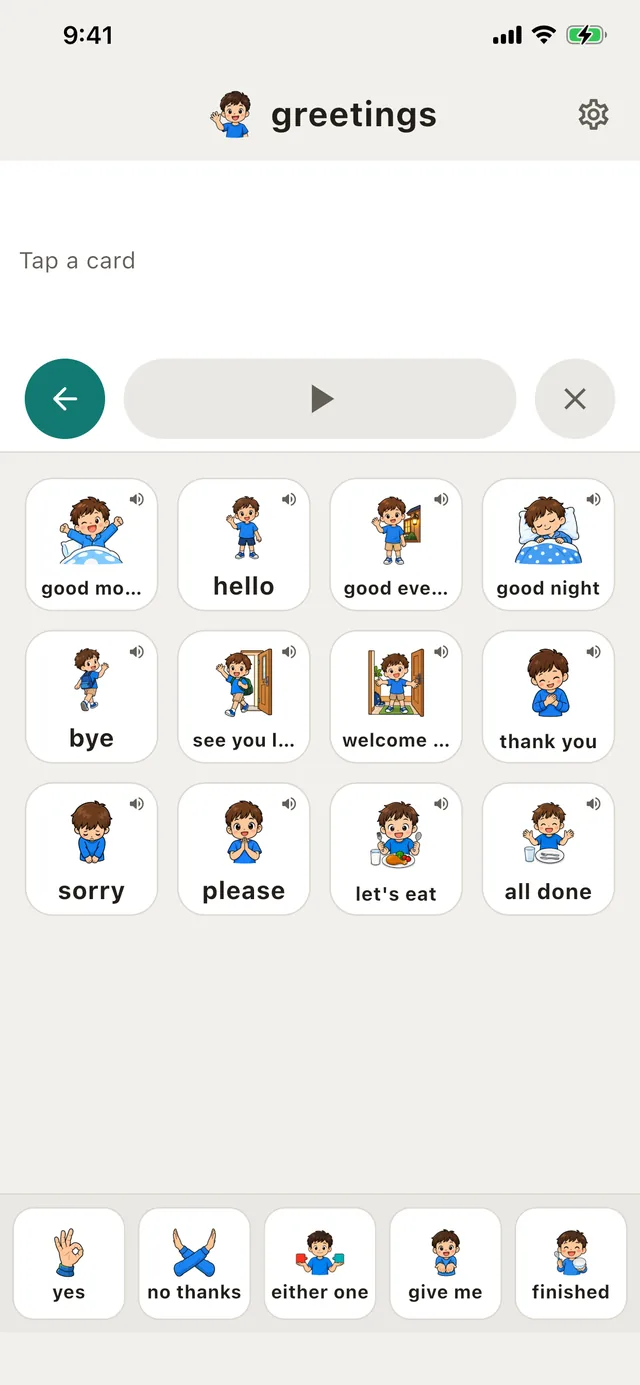
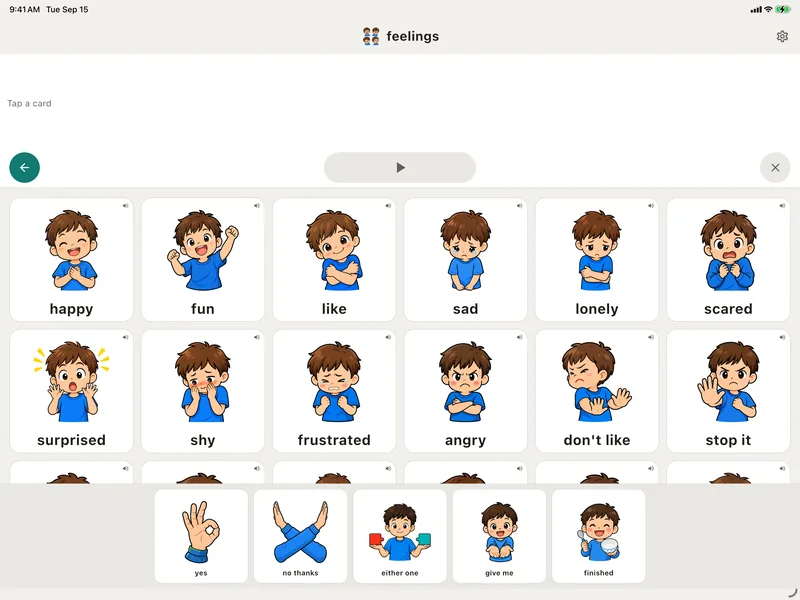
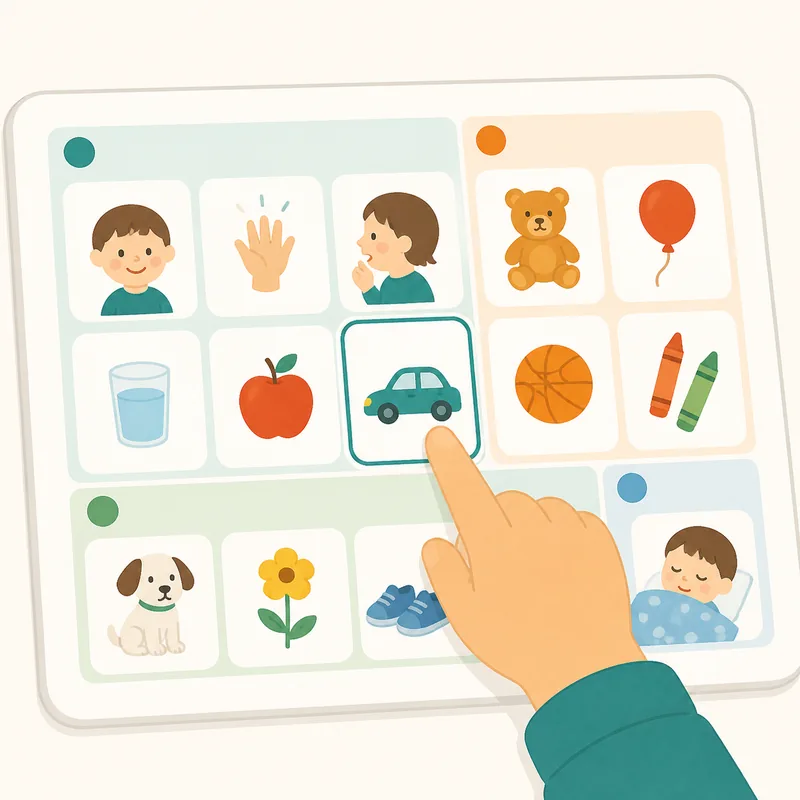
The CardTalk home screen on iPad
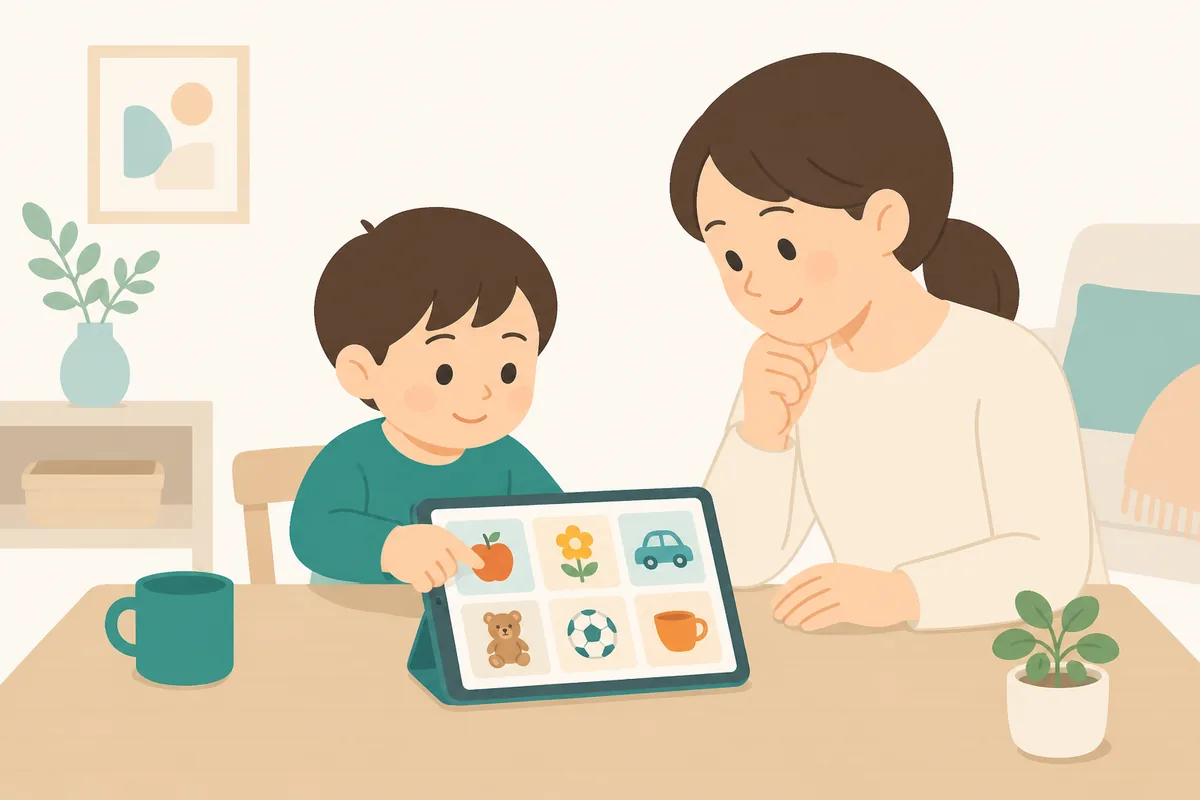
An illustration of a child touching cards on a tablet, with a parent watching beside them
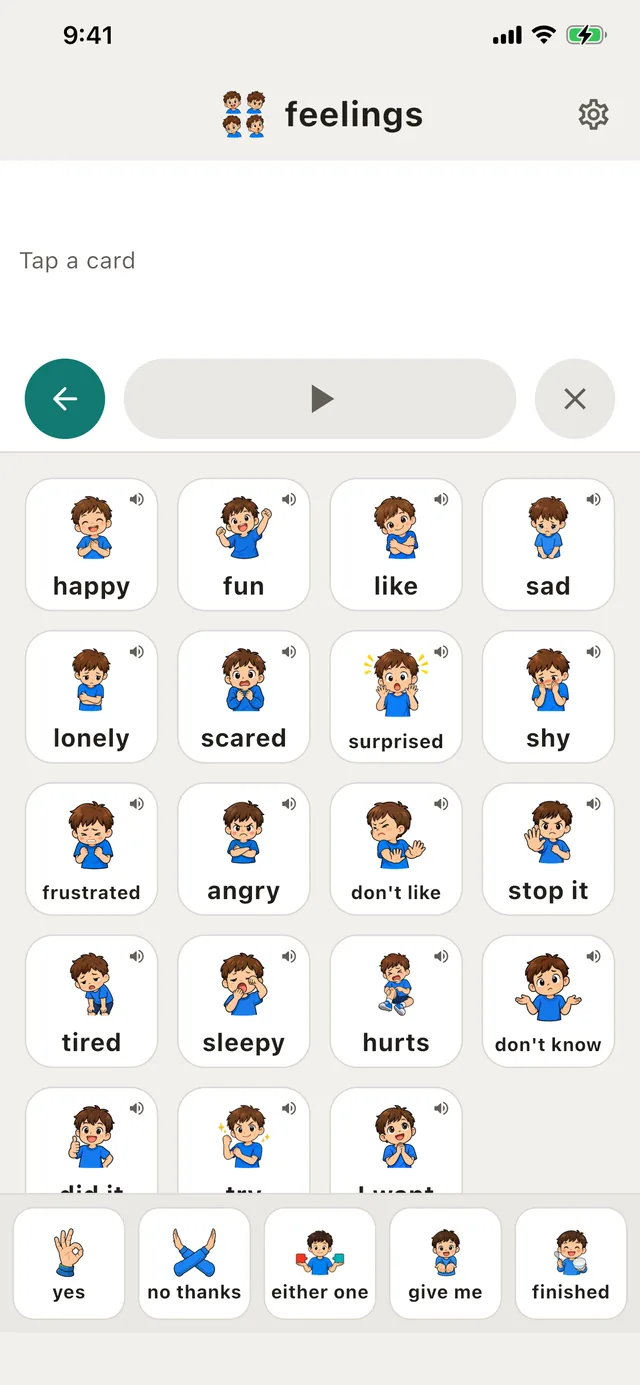
The CardTalk home screen

Every day

There is always
something to say

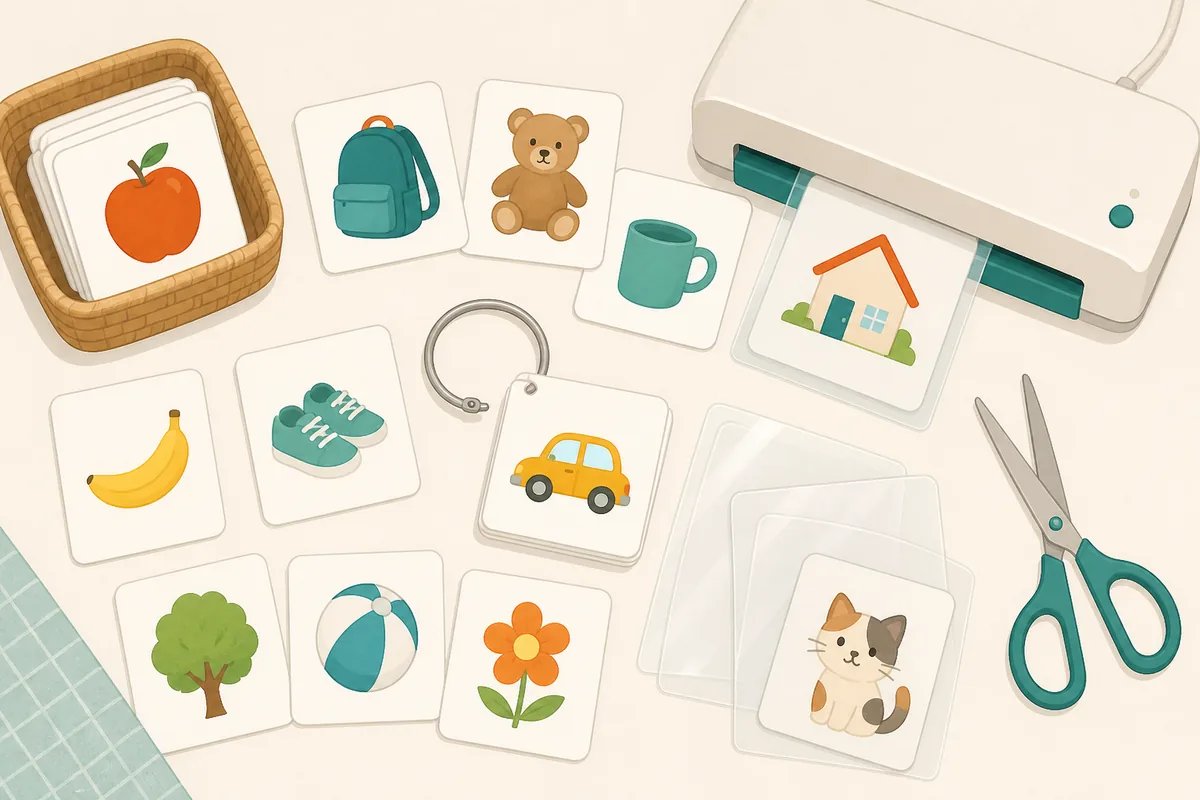
Some children point, or reach for a picture card, instead of using words. Choosing that one card is communication too.

But making paper cards, sorting them and carrying the ones you need is hard work. CardTalk gathers that daily effort into a single device.

An illustration of paper picture cards, rings and a laminator laid out on a desk

How it works

Three actions,
and it is said

A child who cannot read can still choose by picture.

  1. 01An illustration of choosing a picture card from a category

    Choose a card

    Find the picture you want inside a category.

  2. 02An illustration of a pressed card growing larger and playing a voice

    Press it

    The card fills the screen, and a voice plays.

  3. 03An illustration of a child showing a large picture card to someone

    It gets across

    Show the screen to the person you are talking to.

Main features

What you need,
kept clear

Shaped around the person using it, so there is less to puzzle over.

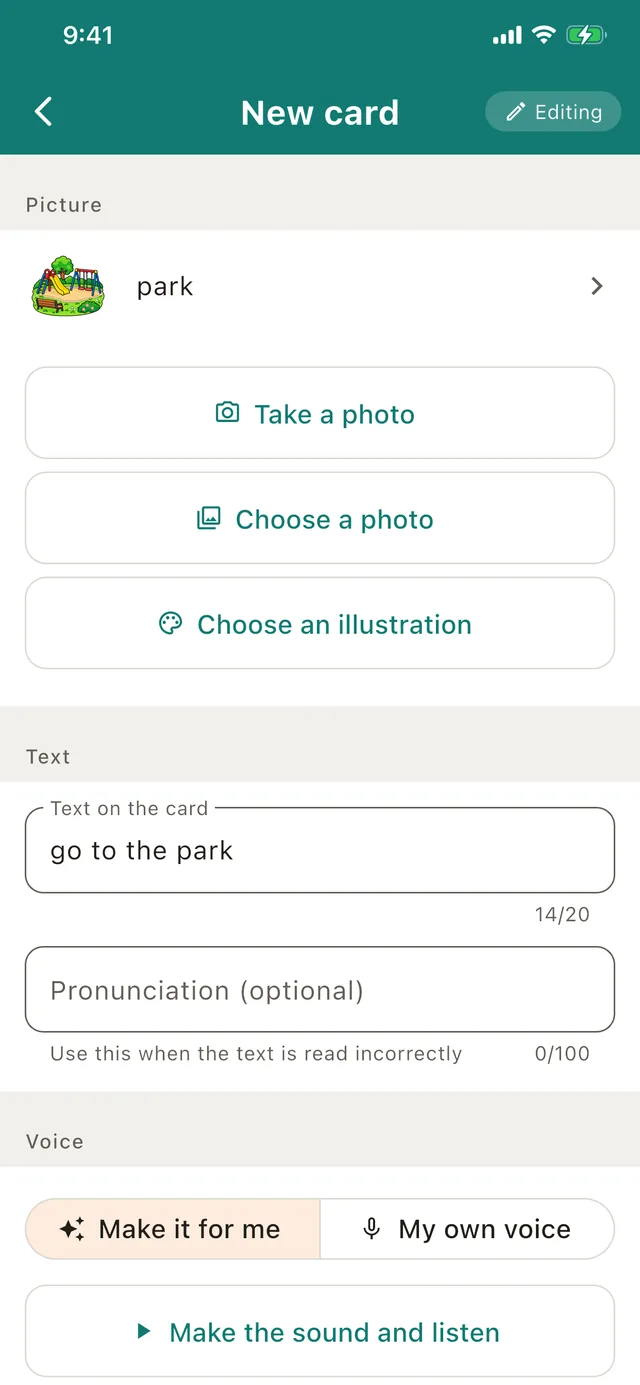
The screen for editing a card you made yourself
01

Make your own cards,
with a voice

Build a card from a photograph or from the illustrations in the app. The audio can be generated for you, and you can record a family member’s voice instead.

The text shown on the card and the text read aloud are set separately, so names and other awkward words can be corrected.
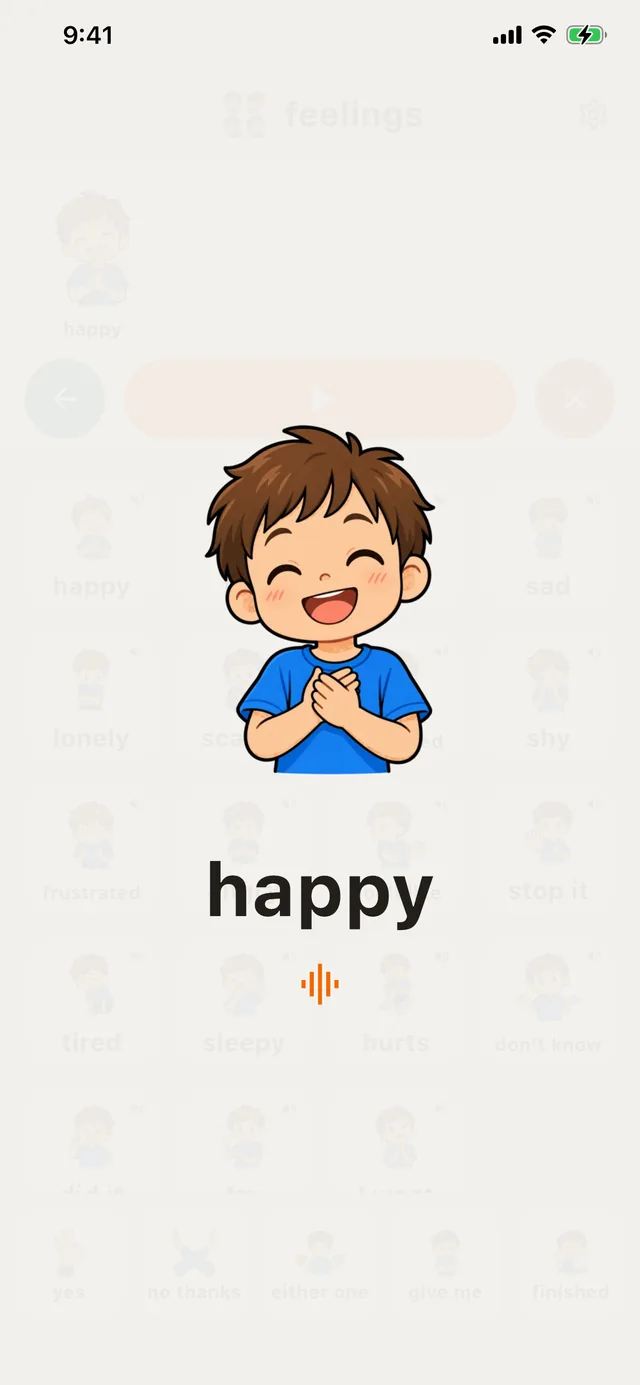
A chosen card shown full screen
02

The card you choose
fills the screen

Press a card and it opens full screen. As well as the voice, you can show it to someone standing away from you.

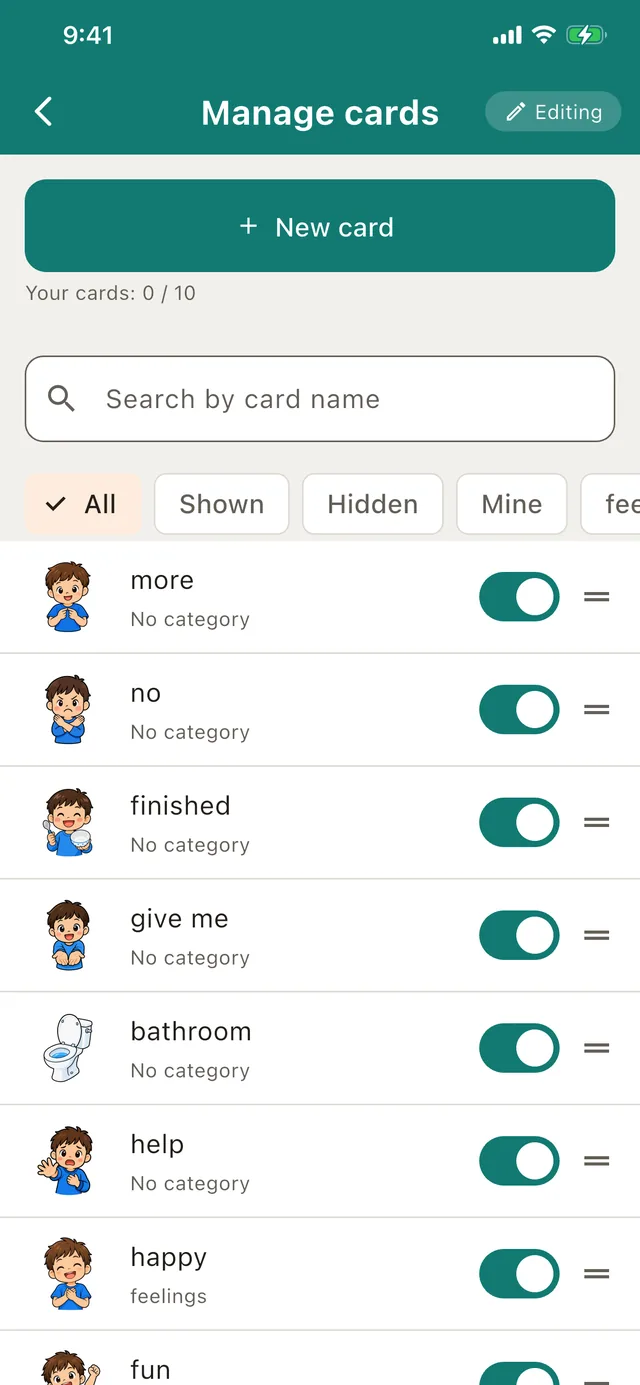
The screen for managing cards and categories
03

Arrange cards and
categories freely

260 picture cards are ready from the moment you install. Hide the ones you do not need, and put the ones you use most first.

Cards you make yourself sort the same way.

The bar of important words shown on every screen
04

The words that matter,
always at hand

Words used often — yes, no thanks, give me — sit along the bottom of every screen. You choose which cards are pinned there.

Designed to be relied on

Because it is used every day

↗

Speech works offline

Once a card is made, it works when you are out, and where there is no signal.

♪

It speaks on silent

Designed so that “I pressed it and nothing happened” does not happen when it matters.

⌂

Data stays on the device

Photographs and the content of cards are never sent out. No account is needed.

✓

A parental gate

Settings and deletion sit behind a simple arithmetic question, which guards against mistaken taps.

◎

Large touch targets

The buttons are bigger than in most apps, so they are easier to press.

◌

Nothing flashes

No dazzling movement, so the screen stays calm to look at.

Why it was made

Made for
my own child

I am the parent of a child who finds it hard to speak. Making paper cards, and trying the apps that already existed, I kept coming back to two things: the cards I made myself should have a voice too, and I wanted only the cards we needed, laid out so they were easy to find. CardTalk came out of our days together.

The developer of CardTalk

An illustration of a parent and child seen from behind, looking at a tablet together

Pricing

Free to start

Try every card that comes with the app.

Free

Free

  • Every card included
  • Sorting and hiding cards
  • Up to 10 cards of your own
  • Backups

Unlock

One-time purchase

  • Everything in Free
  • Unlimited cards of your own
  • No monthly fee
  • Yours to keep
You pay once. There is no monthly fee.The price for your region is shown in the App Store. Cards you have already made never stop working.

Common questions

Answers to what people ask

Does it work where there is no internet?

Showing and speaking cards works offline. Only generating audio automatically needs a connection.

Which devices does it work on?

iPhone and iPad. Android phones and tablets are coming soon.

Could a child change the settings by accident?

The settings screen is protected by a parental gate that asks a simple arithmetic question.

Is it a medical device?

No. It is not a medical device; it is an app that supports communication.

Can it be used at school or in a care setting?

Yes. It is designed to speak even when the device is on silent. Do keep an eye on the volume.

The CardTalk app icon

Press a card, and it speaks.

The iOS version is out now, and it is free to try.

Download on theApp Store
Google PlayComing soon